This guide will take you through setting up your account so that you can recover the cost of AML checks through Hoowla. By adding this pre-payment option, clients can pay the cost of the AML check before completing it via Stripe. This currently is only available for the web portal version of our AML check.
Please note this does require you to have a Stripe account and the Stripe integration setup in Hoowla. The Stripe setup page can be accessed here in Hoowla. You will also need Owner level permissions to access these areas mentioned in the guide.
How can I set this up?
To start, click on setup,

Then go to accounts and finances,
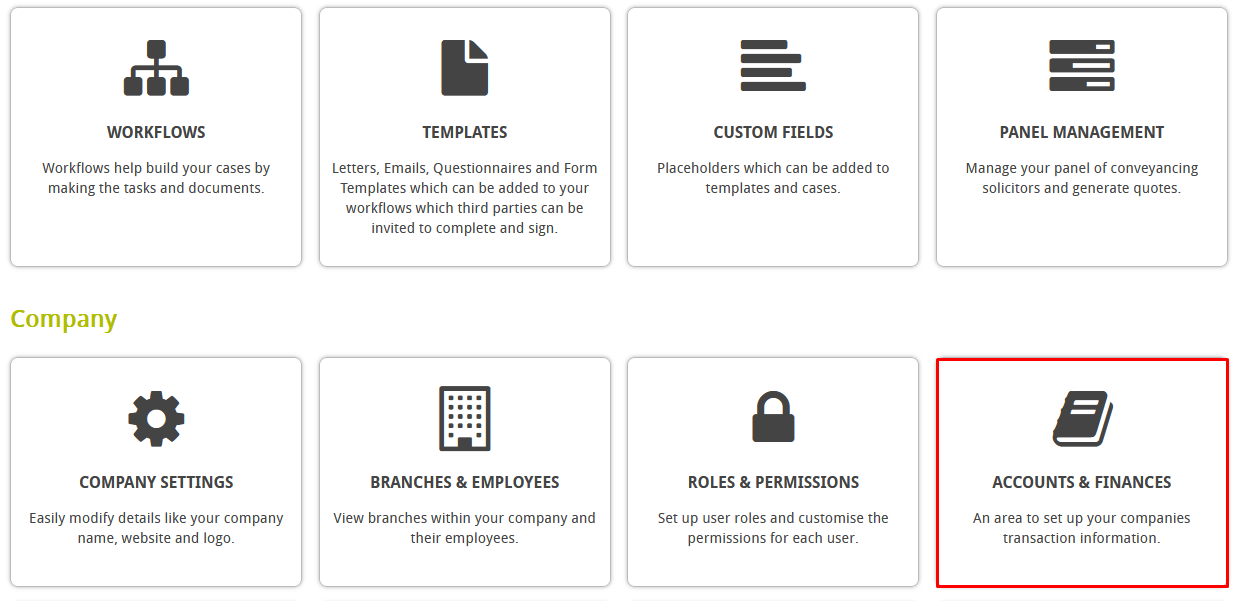
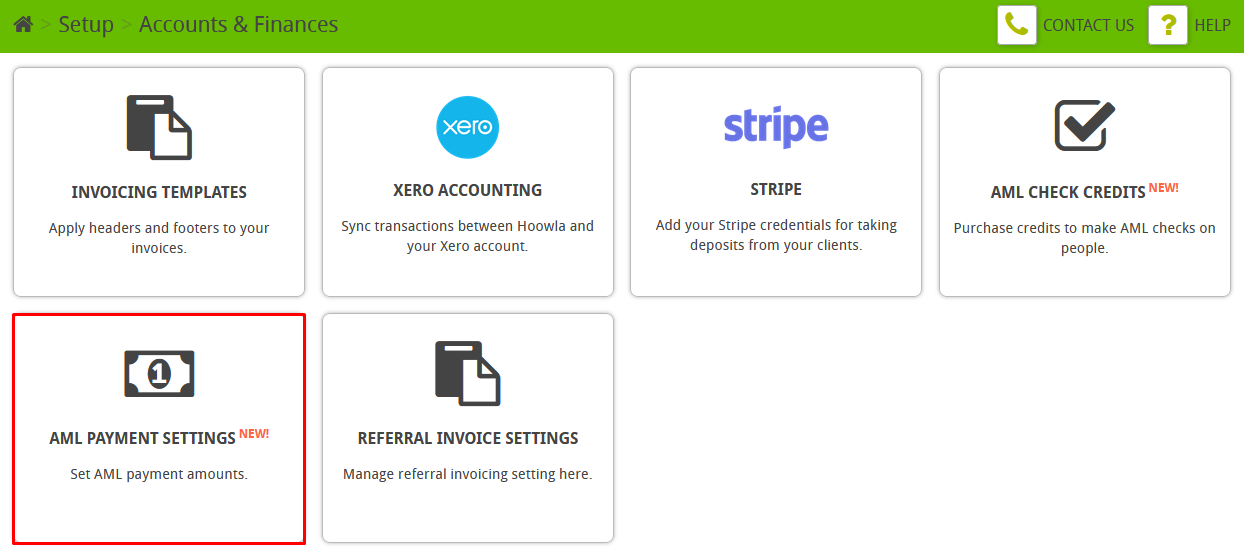
Click on AML payment settings,
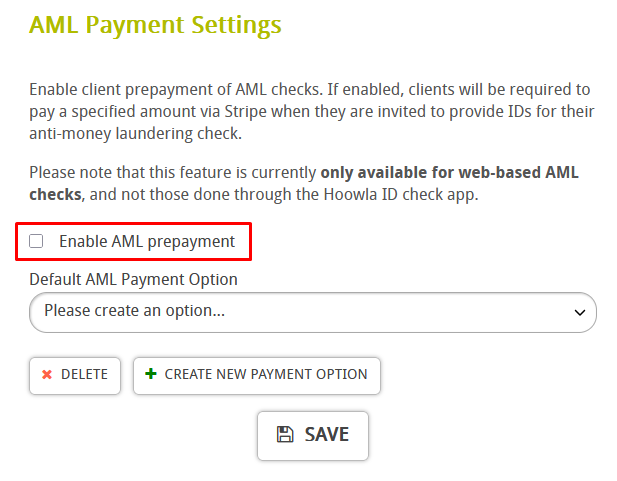
Tick the “Enable AML Prepayment” box,
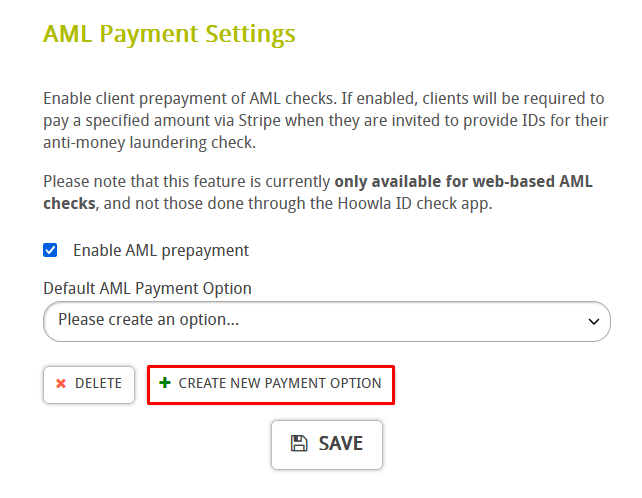
Then click “Create new payment option”,
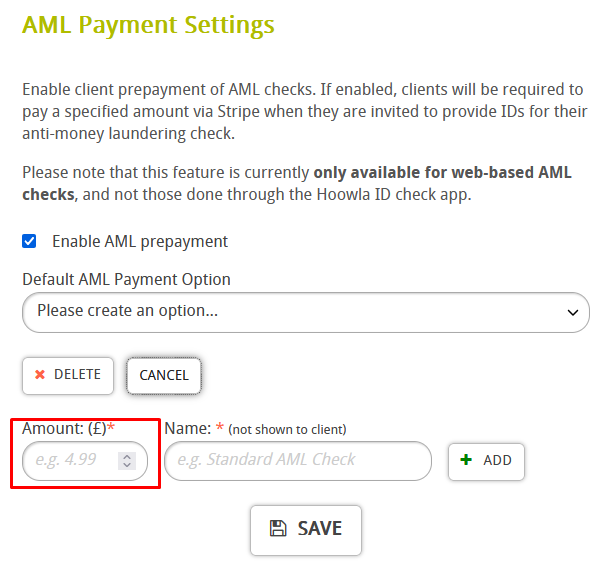
Enter in the amount you would like your clients to pay here,
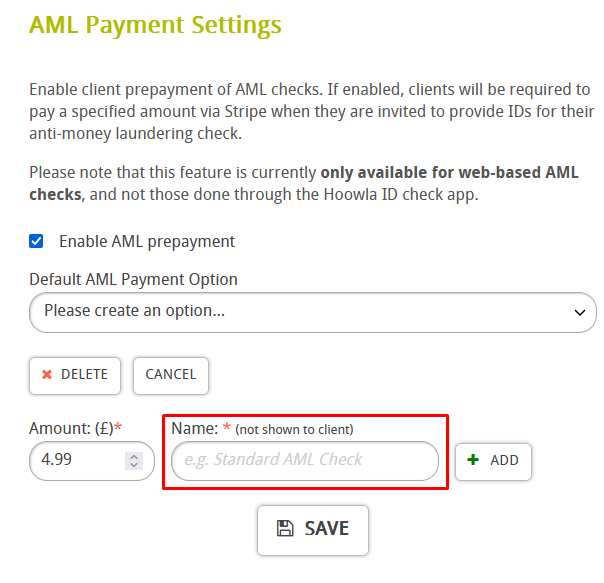
Finally, give the option a name and press add,
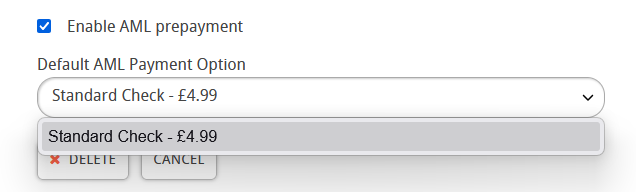
Now you can select it from the drop down menu,
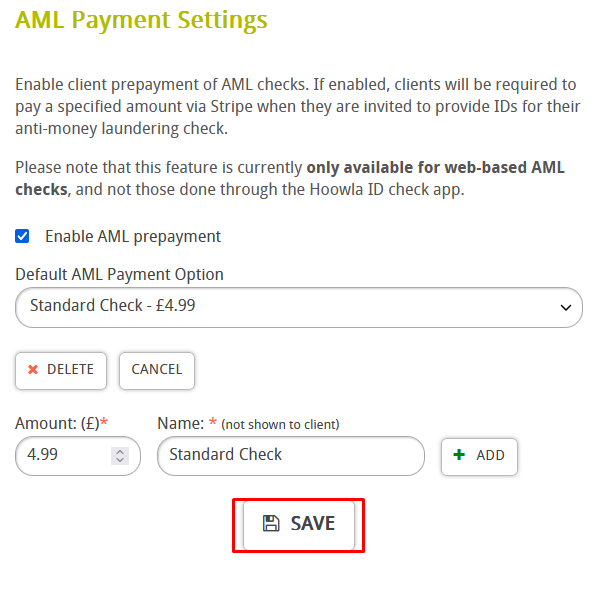
Press save when done,
How does this work with our clients?
Go to “AML” in Hoowla,

Pick a client you want to do an AML check on then click on their name here,

Press this button to invite them to complete and AML check,
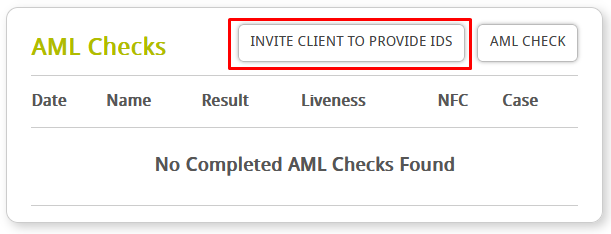
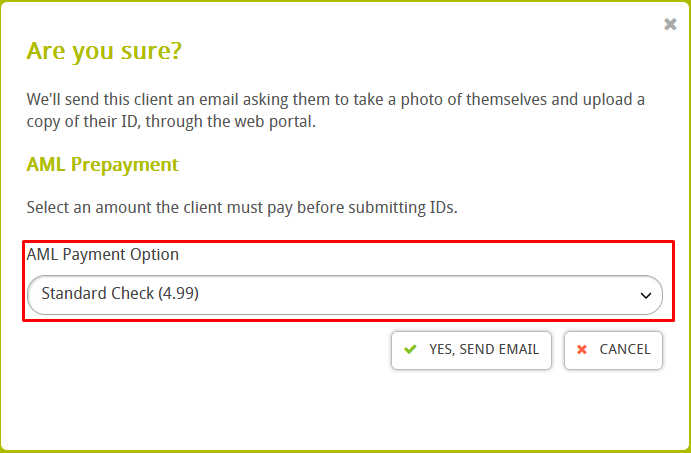
You will get the option to pick the AML prepayment option, if setup it is picked by default,
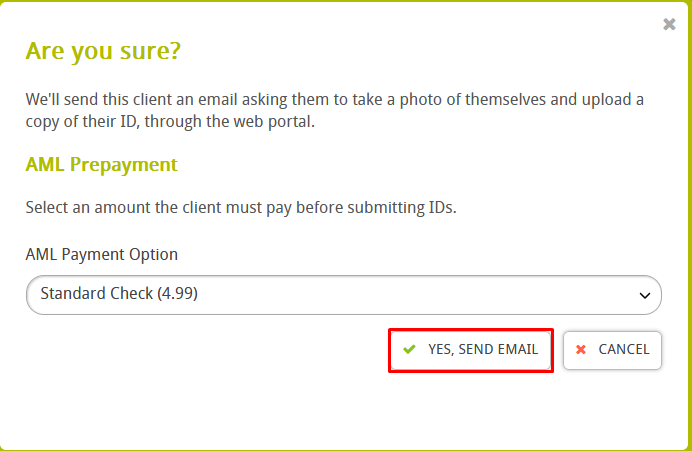
Press “Send email”,
The client will now get an email asking them to complete and AML check,
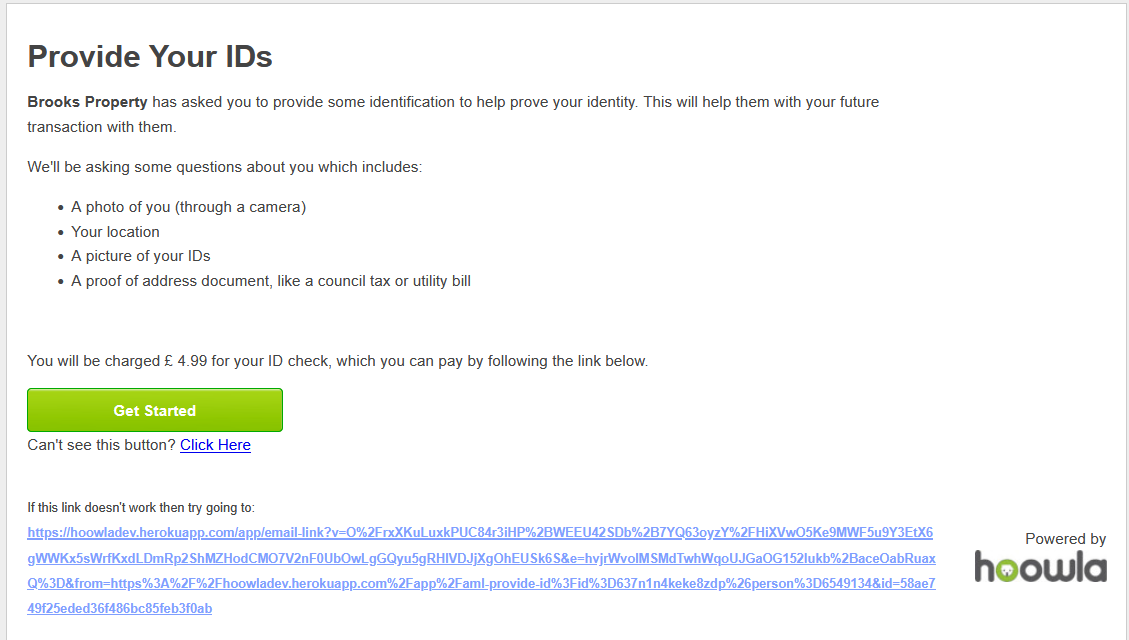
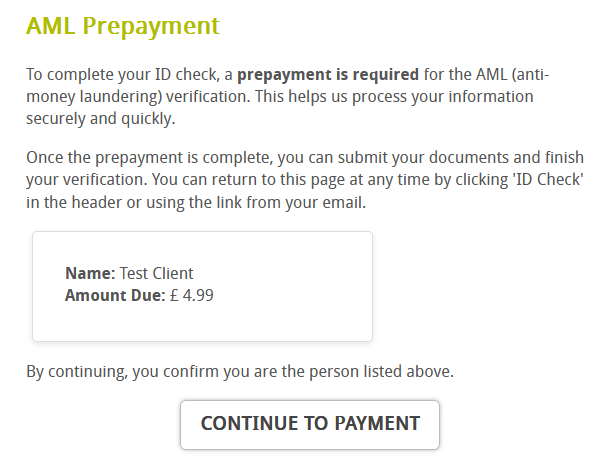
When they setup their account to do this, they will be asked to confirm the prepayment to proceed,
They will then be asked to make the payment via Stripe,
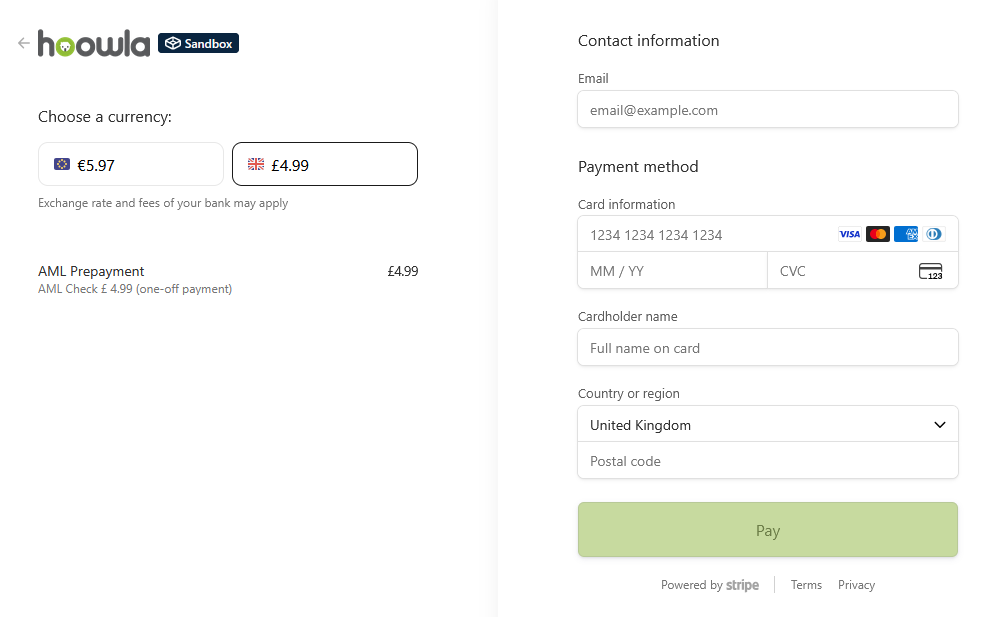
When paid, they can continue with the AML check as normal.