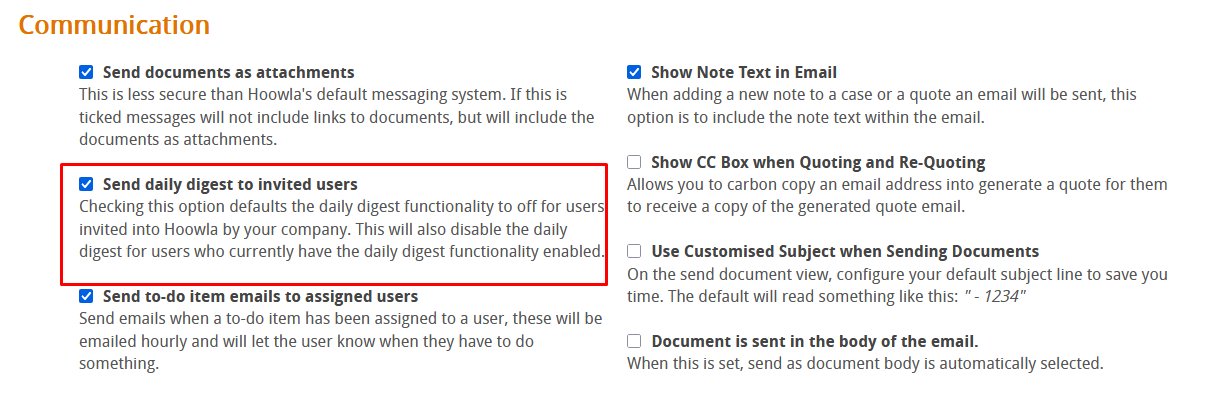
In this guide we will look at how to switch off the daily digest emails that are sent to clients. These emails include a short round up of activity on cases they’re involved in but some clients may want these emails turned off. Please note you will need branch manager or higher permissions to access the areas mentioned in this guide.
How can I do this in Hoowla?
Start by going to setup,

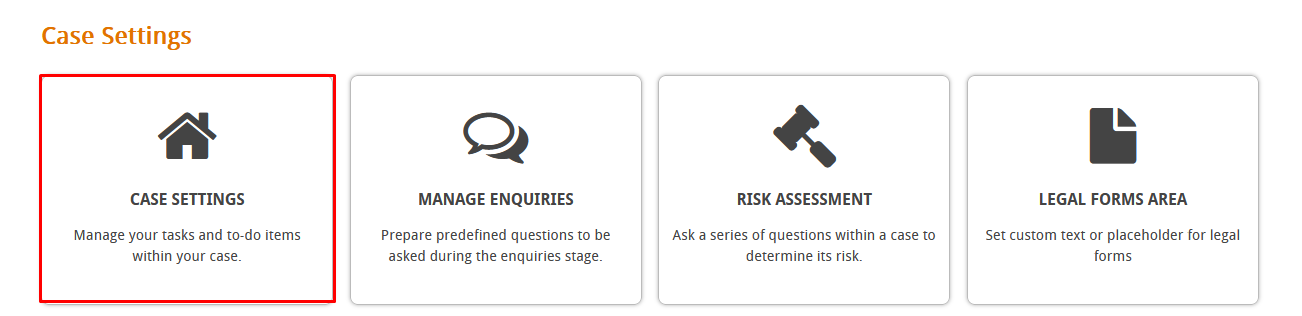
Then clieck on case settings,
Scroll down to the communication area and untick the “Send daily digest to invited users” tickbox,