In this guide we will look at copying documents from one Hoowla case to another. You can do this in bulk with as many documents as you want which is a great timesaver.
How can I do this in Hoowla?
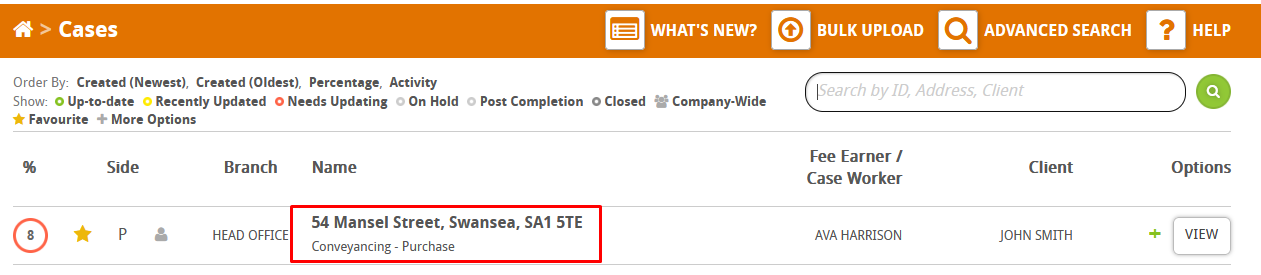
Start by finding a case you want to copy documents from in Hoowla, click on the case address to enter the case,
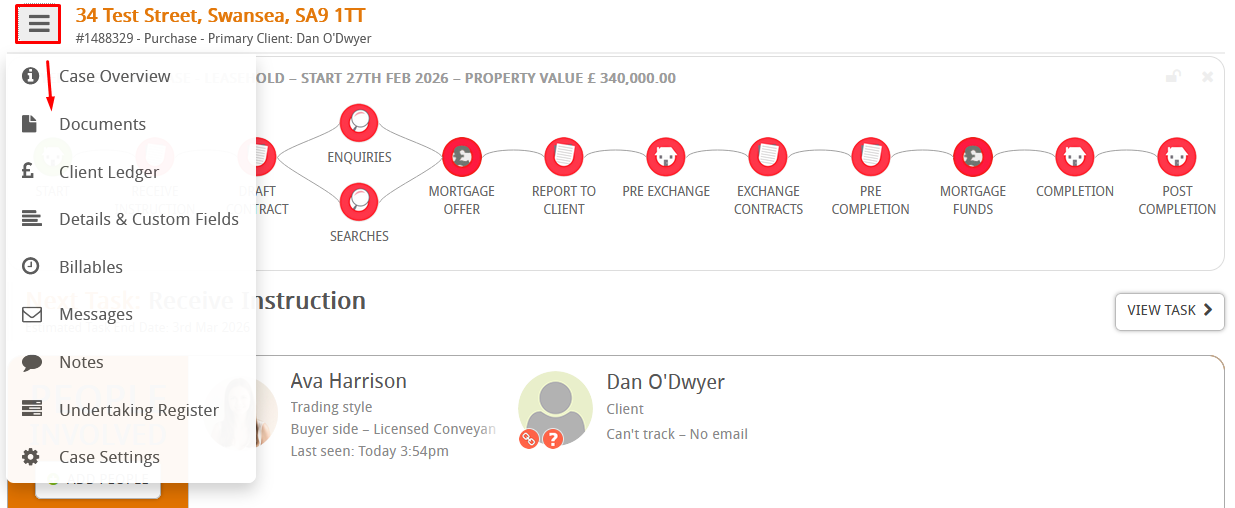
Click on the menu here and go to documents,
By default the folder view will be loaded, change to list view so we can see all the documents,

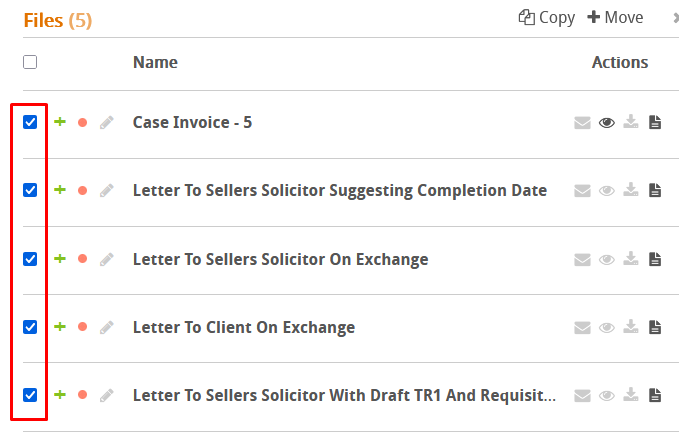
Using the tickboxes, select the documents you want to copy. If you click the tickbox at the top it will select all documents,
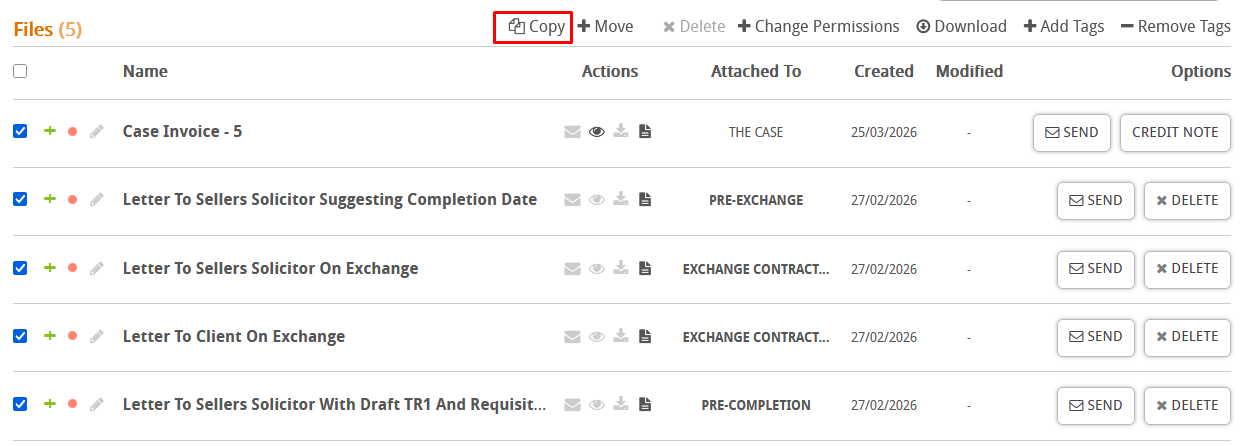
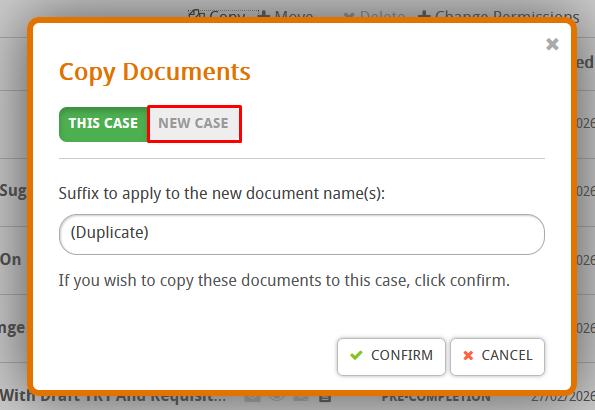
In the top right you will see the option to copy, click on it,
Then change the option to new case,
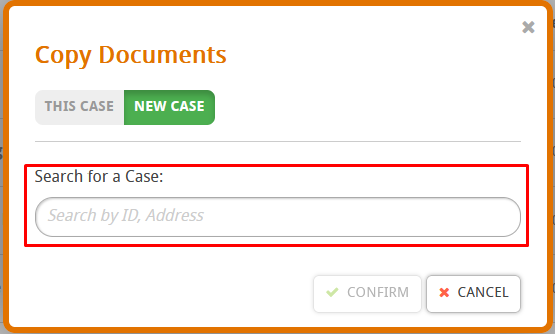
Search for the case you want to copy them to, you can search by case reference or address,
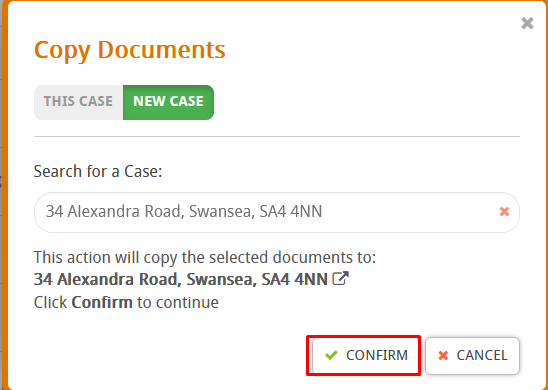
Finally, press confirm,
When done you will be able to see the documents on the other case in the same area.