In this guide, we’ll look at how you can change the name of uploaded documents in Hoowla. If you want to find out how to upload documents to cases please click here
How can I do this in Hoowla?
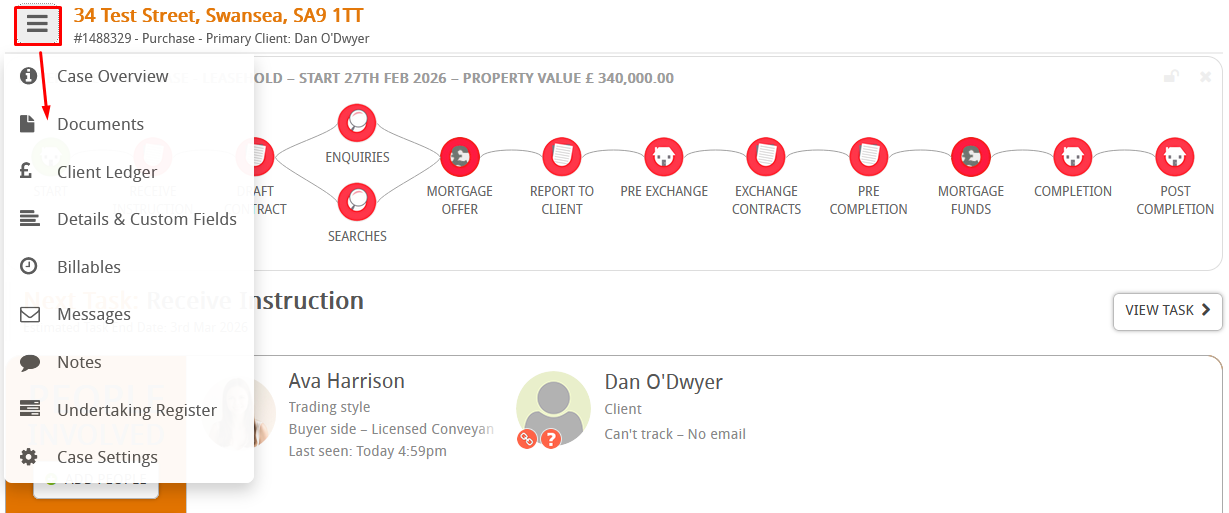
To start, find the case that you’ve uploaded a document to and go to documents on that case,
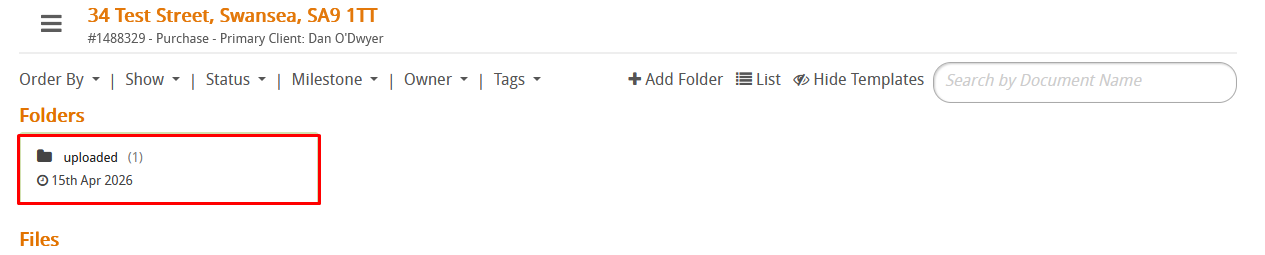
All uploaded document automatically go in the uploaded folder, click on it so we can find it,
Click on the document to open it,

Then click edit,

You can now change the name here,

Press save and close when done,
